
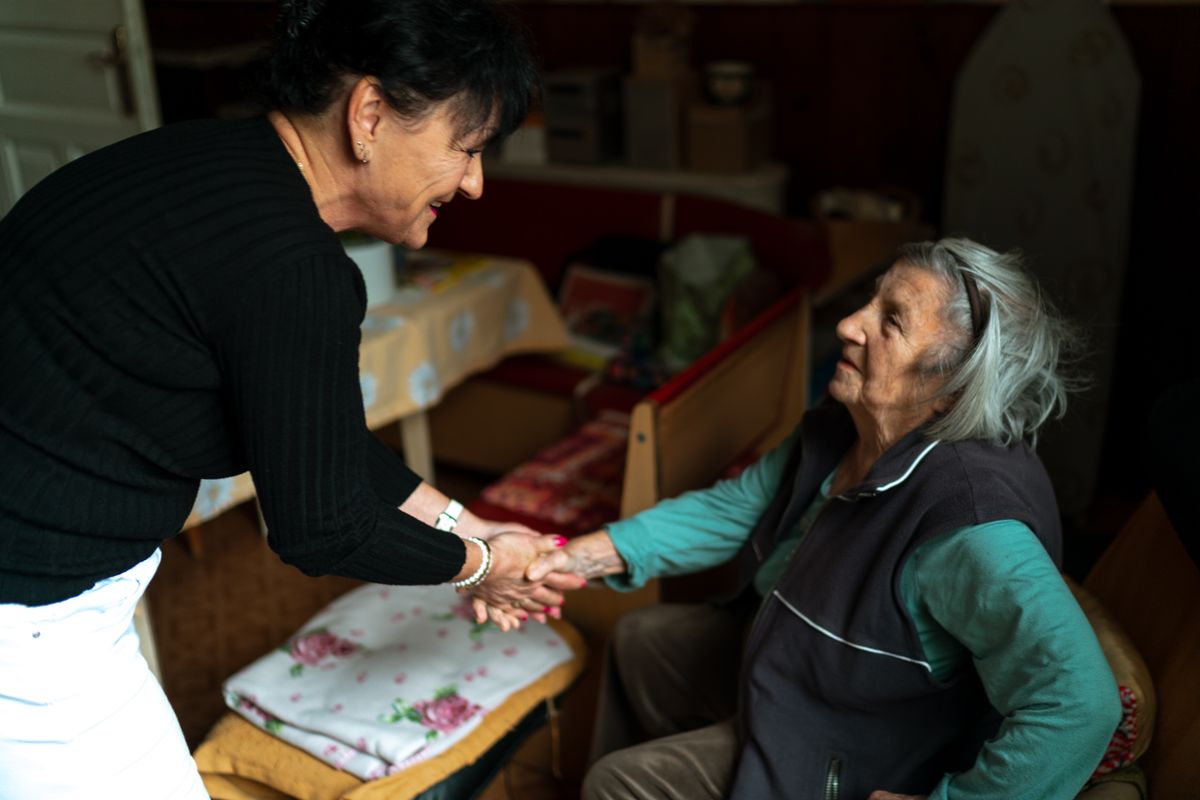
Circle of Care is designed for adult helpers—family, partners, or paid caregivers—who need visibility without using your login.
Before you invite someone
- Decide which categories are necessary; share the minimum needed.
- Confirm the caregiver has Mediva One installed and accepts the invite with their own account.
- Discuss missed-dose alerts so expectations are clear.
Revoking access
Remove or downgrade a helper from Circle of Care settings. Shared views stop immediately; their account data remains theirs only.
A real-world caregiver scenario
Your parent lives alone; you live in another city. They agree you may see dose status but not private notes. They send an invite; you accept on your own phone. When a morning statin is missed, you get a push—not to scold, but to call and ask if they forgot or felt unwell.
Revoke access the moment trust changes—new partner, hired aide turnover, or your parent simply wants privacy back. No password reset required.
Where this lives in Mediva One
Open Mediva One and look for Circle of Care under Profile and the Care tab for helpers in the main tabs or Profile. Exact labels may differ slightly between iOS and Android, but the workflow is the same: you stay in control of permissions and what gets shared with Circle of Care.
Read the full Circle of Care guide on this site for screenshots and permission toggles.
Wellness, not medical advice
Mediva One helps you organize reminders, logs, and documents. It does not diagnose, prescribe, or replace emergency services or instructions from your clinician or pharmacist.